
Table of Contents
- Why Tracking Driving Practice Hours Matters
- Required Teen Driving Hours by State
- What to Record in Your Driving Practice Log
- Using a Driving Practice Log Template
- Choosing a Teen Driving Log App
- Setting Up a Parent Supervised Driving Log
- Verifying and Correcting Logged Hours
- Building a Balanced Practice Schedule
- Frequently Asked Questions
Last Updated: October 17, 2026
Why Tracking Driving Practice Hours Matters
Learning to track driving practice hours isn't just paperwork, it's the difference between knowing they're ready for the road test and hoping they are.
When you track driving practice hours, you build accountability: your teen knows what they've completed, you know which skills need work, and your local licensing authority can see the legal requirement was met.
The real benefit is clear communication. Parents and teens often disagree about readiness; a log removes the guessing by showing progress and highlighting gaps.
Required Teen Driving Hours by State
Every state sets its own supervised-driving rules, and a number you heard from a friend in another state may not apply to you.
Because requirements change and are set at the state level, this article doesn't publish a fixed table of hour counts. Use the framework below to find your own state's rule from the official source, then track against it.
How to find your state's exact requirement
- Go to your state's official licensing authority website. In most states this is the Department of Motor Vehicles (DMV); in a few it is the Department of Transportation, Department of Public Safety, or Motor Vehicle Administration (MVA).
- Open the teen licensing or graduated driver licensing (GDL) section, not a third-party blog.
- Look for the learner permit or intermediate license page and locate the supervised-practice requirement.
- Record four numbers: total supervised hours, night hours (if any), any minimum session length, and any required driving conditions (highway, inclement weather, etc.).
- Note the supervising-driver eligibility rule (often a licensed adult, frequently age 21 or older, sometimes a parent or guardian specifically).
- Save or print the page and note the date you checked it, so you can re-verify before submission.
Find your state's licensing authority and GDL rules
What varies most across states
- Total supervised hours: commonly in the range of about 40 to 60, but some states require none and a few require more.
- Night hours: some states mandate a specific number (often around 10), others require none.
- Minimum session length: some states count only sessions above a set duration; others do not specify.
- Supervisor eligibility: age, licensure, and relationship rules differ.
- Formal education overlap: some states require a state-approved driver education course in addition to, or instead of, parent-supervised hours.
Distinguish supervised practice from a formal parent-taught program
Parent-supervised practice hours are not the same as a formally authorized parent-taught driver education program. Some states run a specific approved parent-taught curriculum with its own paperwork; most do not. If your state requires an approved course, a practice log alone does not satisfy it. Confirm which category your state requires before building a plan around hours.
What to Record in Your Driving Practice Log
A good driving practice log captures the facts that matter, specific enough to show progress and verify compliance, not just "drove for 1 hour."
Essential Session Details
Every practice session needs basic information:
- Date, When the drive happened
- Start and end time, Exact times, not "afternoon"
- Total duration, Calculate the minutes or hours
- Supervising driver, Name and relationship (parent, instructor, coach)
- Learner's name, For clarity if multiple teens use one log
These details matter if your local licensing authority audits your log. They show the drive actually happened and was properly supervised.
Road Conditions and Driving Types
Beyond the basics, note the conditions your teen faced:
- Time of day, Daytime or night (helps track night-hour requirements)
- Weather, Clear, rain, snow, fog
- Road type, Highway, city streets, residential, rural
- Traffic level, Light, moderate, heavy
- Key skills practiced, Merging, highway driving, parking, left turns, emergency stops
This shows where your teen has experience and where they need more practice: 40 hours but only 5 on highways tells you what to prioritize next. If your state mandates specific conditions, this detail documents it.
Using a Driving Practice Log Template
A template makes logging fast and consistent. Paper, a spreadsheet, or an app all work; what matters is recording the same fields every time and reviewing the log regularly.
The per-session checklist
Every entry should capture enough that a reviewer could understand the drive without asking you questions:
- Date of the session
- Start and end time (exact clock times, not 'afternoon')
- Total duration in hours and minutes
- Supervising driver name and relationship
- Learner's name (important if one log covers more than one teen)
A working template
| Date | Start | End | Duration | Day/Night | Conditions | Road type | Skills | Supervisor | Initials |
|---|---|---|---|---|---|---|---|---|---|
| 10/15/2026 | 3:30 PM | 4:15 PM | 0:45 | Day | Clear | City | Left turns, lane changes | Mom | JM |
| 10/16/2026 | 6:00 PM | 7:00 PM | 1:00 | Night | Clear | Residential | Night driving, parking | Dad | RJ |
| 10/17/2026 | 10:00 AM | 11:30 AM | 1:30 | Day | Rain | Highway | Merging, highway entry | Mom | JM |
Fill it out right after each drive, while details are fresh, a teen may remember practicing left turns but not whether it rained.
Choosing a method on privacy and reliability, not just convenience
Most guides compare paper versus app on convenience alone. Compare them on these instead:
- Offline access: paper and a local spreadsheet work without a signal; cloud apps may not.
- Backups: a spreadsheet or app can be backed up; photograph each paper page in case it's lost or damaged.
- Data privacy: an app may store location and driving data, check what it collects and who can see it.
- Shared access: multiple supervising adults may need to add sessions; confirm the method supports that without sharing one password.
- Export and print: your licensing authority may want a printed or exported copy, so confirm the method can produce one.
Verifying and correcting a log before you submit
Review the whole log before it goes to your licensing authority:
- Duplicates: was the same drive entered twice?
- Time math: does 3:00 PM to 4:30 PM actually equal 1.5 hours?
- Missing fields: are supervisor names or initials blank?
- Condition mismatches: is a 2 PM session marked as night driving?
Correct errors visibly. On paper, cross out the wrong entry, write the correct one, and initial and date the change; don't white it out. In an app, edit the entry and note what changed. If a teen and parent disagree on duration, check a phone's location history or the car's trip log if available, agree on the number, and update the entry.
Try the Free First Drive Kit →
Choosing a Teen Driving Log App
Digital apps sync across devices, calculate hours automatically, and send reminders.
When choosing an app, consider:
- Ease of use, Can your teen add a session in 30 seconds?
- Automatic calculations, Does it total hours without manual math?
- Export options, Can you print or download for your licensing authority?
- Privacy, Does the app store data securely? Who has access?
- Offline capability, Works without internet?
- Cost, Free or paid?
Some apps focus on practice logs alone; others bundle logs with lesson plans, progress tracking, and communication tools. LearnerMiles guided practice membership, for example, combines a digital practice log with guided lessons and a coach-learner communication agreement. Ask yourself: do you want a log only, or a complete practice system?
Setting Up a Parent Supervised Driving Log
Start with a conversation. Before the first practice session, explain why you're tracking hours, show your teen the log, and let them help set it up.
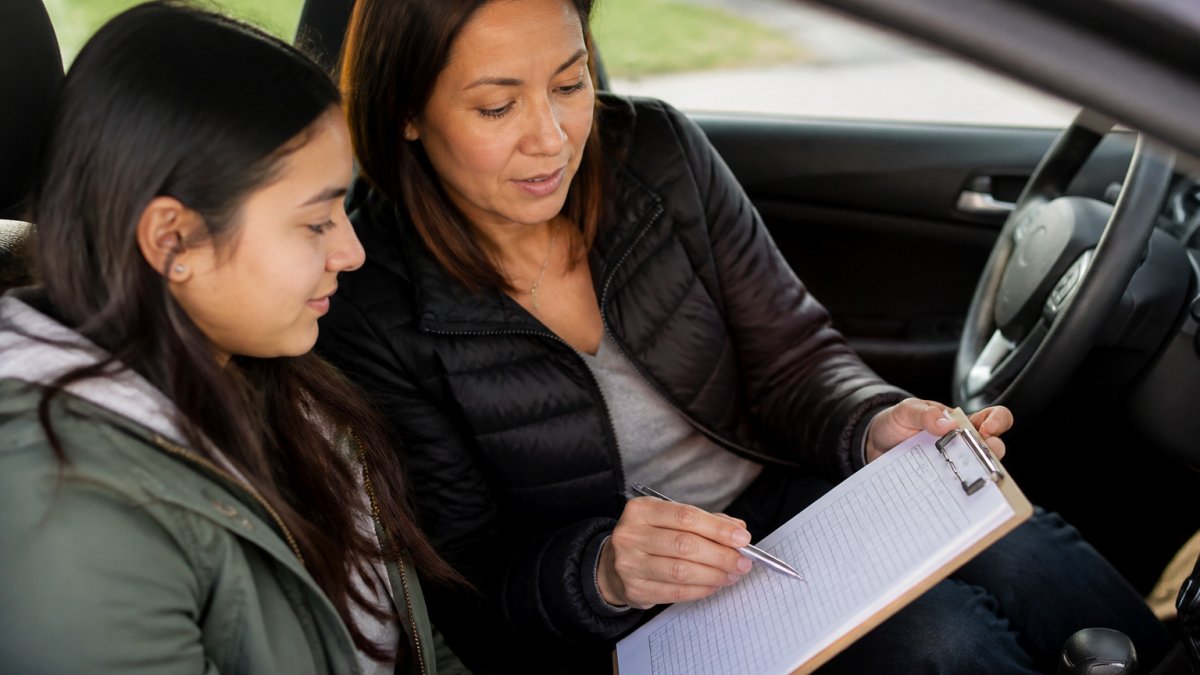
Set a rule: no session gets logged unless both the supervising driver and the teen agree on the details.
Verifying and Correcting Logged Hours
Before you submit your log to your licensing authority, review it for duplicate entries, time math errors, missing details, and condition mismatches. Fix errors clearly: on paper, cross out the wrong number, write the correct one, and initial and date the change; in an app, edit the entry and note the change. If your teen disputes an entry, check your phone's location history or the car's trip log if available, agree on the time, and update the log.
Building a Balanced Practice Schedule
A balanced practice schedule gives your teen experience in different conditions, not just daytime on quiet streets. Real driving includes rain, night, traffic, and highways, so start easy and progress to harder conditions.
Week 1-2: Residential streets, daytime, light traffic, calm weather
Week 3-4: Add busier streets, heavier traffic, still daytime
Week 5-6: Introduce highway driving, daytime first
Week 7-8: Add night driving on familiar routes
Week 9-10: Combine challenges: night + highway, rain + traffic
This progression builds confidence because each new skill builds on the last. Use your practice log to track it: 10 daytime hours but zero at night tells you what's next.
When you're ready to add structure to your practice sessions, explore LearnerMiles. Our guided practice membership and digital practice log work together to build confidence and track progress toward your teen's road test. You can also download LearnerMiles books and printables to complement your practice plan. Visit learnermiles.com to learn more, and get the free First Drive Kit at https://learnermiles.com/?page=firstdrive#first-drive-kit.
Frequently Asked Questions
How do I know if my teen has actually completed the required driving practice hours?
Verify logged hours by checking the date, time, duration, and road conditions recorded for each session. Cross-reference the log against your calendar or your teen's schedule to spot inconsistencies. Ask your teen specific questions about what they practiced that day, their answers should match the log entry. If using a digital app, confirm that entries are time-stamped and cannot be edited after submission. For state-required logs, check your local licensing authority's guidelines on verification and signature requirements.
What should a teen driving practice log include?
A complete log entry captures the date, start and end time, total duration, supervising driver's name, road types (highway, residential, urban), weather conditions, and specific skills practiced (parallel parking, night driving, highway merging). Include the total miles driven and any challenging situations encountered. Some states require the supervising driver's signature. This detail helps you track progress, identify skill gaps, and prepare for the road test.
Do driving practice hour requirements vary by state?
Yes, requirements differ significantly by state. Some states require 50 hours of supervised driving, others 60 or more. Night-driving hour minimums also vary, typically 10 to 15 hours. Your teen's learner permit rules, supervising-driver age, and daytime-only restrictions depend on your state's licensing laws. Check your local licensing authority's website for exact requirements, as laws change and vary by age and permit type.
Can a digital driving log replace an official practice-hours form?
It depends on your state's requirements. Some states accept digital logs if they meet specific standards (time-stamped, non-editable, signed by the supervising driver). Others require an official state form or paper log. Many families use both, a digital app for daily tracking and convenience, plus an official form for submission. Always verify your local licensing authority's acceptance policy before relying solely on a digital log for road-test eligibility.